
What to Do After Deleting Files: A Guide by American Edge Technologies
Accidentally hitting “delete” can feel like a disaster, but your data isn’t always gone for good. Whether it’s a critical business presentation…
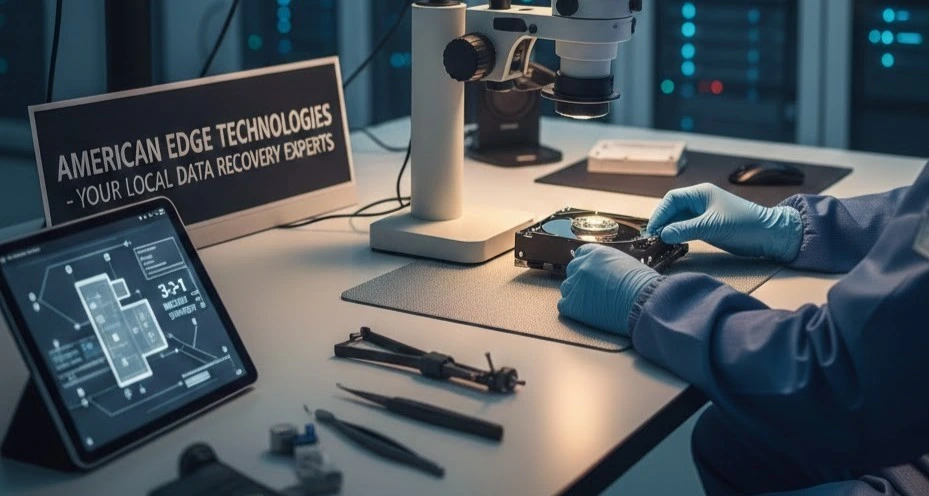
Accidentally hitting “delete” can feel like a disaster, but your data isn’t always gone for good. Whether it’s a critical business presentation or years of family photos, the actions you take in the next few minutes determine if those files can be saved.
As your local tech experts at American Edge Technologies, we’ve seen it all. Here is our step-by-step guide to maximizing your chances of a successful data recovery.
1. Stop Using the Device Immediately
This is the most critical step. When you delete a file, the computer doesn’t actually erase the data; it simply marks that space as “available.” If you keep browsing the web or saving new documents, the system might overwrite that “available” space with new data.
- Action: Close your programs and put the laptop or external drive aside.
2. Check the Basics: Recycle Bin or Trash
It sounds simple, but in the heat of the moment, it’s easy to overlook. Check your Recycle Bin (Windows) or Trash (Mac).
- Pro Tip: If you used “Shift + Delete,” the file bypassed the bin, and you’ll need to move to the next steps.
3. Look Into Your Cloud Backups
If you use services like OneDrive, Google Drive, or Dropbox, your files might be waiting for you in the cloud. Most of these services have their own “Deleted Items” folder that holds files for 30 days.
4. Avoid DIY “Free” Software
While there are recovery tools available online, we often advise caution. Installing new software onto the affected drive can overwrite the very data you are trying to save. If you aren’t experienced with data partitions, DIY attempts can sometimes turn a simple recovery into a permanent loss.
5. Contact a Professional Data Recovery Specialist
If your files aren’t in the trash and your backup failed, it’s time to call in the pros. At American Edge Technologies, we use advanced recovery tools and techniques that go far deeper than standard consumer software.
Why choose American Edge Technologies?
- Local Expertise: You don’t have to ship your drive across the country; we are right here in the community.
- Security: Your data stays private and handled with professional care.
- No-Recovery, No-Fee: We believe in results. If we can’t get your data back, you shouldn’t have to pay for the attempt.
6. Build a “Future-Proof” Backup Strategy
Once we’ve recovered your data, let’s make sure this never happens again. Our team can help you set up a 3-2-1 Backup Strategy:
- 3 copies of your data.
- 2 different types of media (like an external drive and the cloud).
- 1 copy stored off-site.
Don’t Panic Call American Edge Technologies
If you’ve lost important files, don’t leave it to chance. The sooner you get your device to a professional, the higher the success rate.
Contact American Edge Technologies today to speak with a local technician about our data recovery services.