
Why Your Dell Laptop Won’t Power On: Tips from American Edge Technologies
A laptop that refuses to turn on is more than an inconvenience it’s a disruption to your life. At American Edge Technologies,…
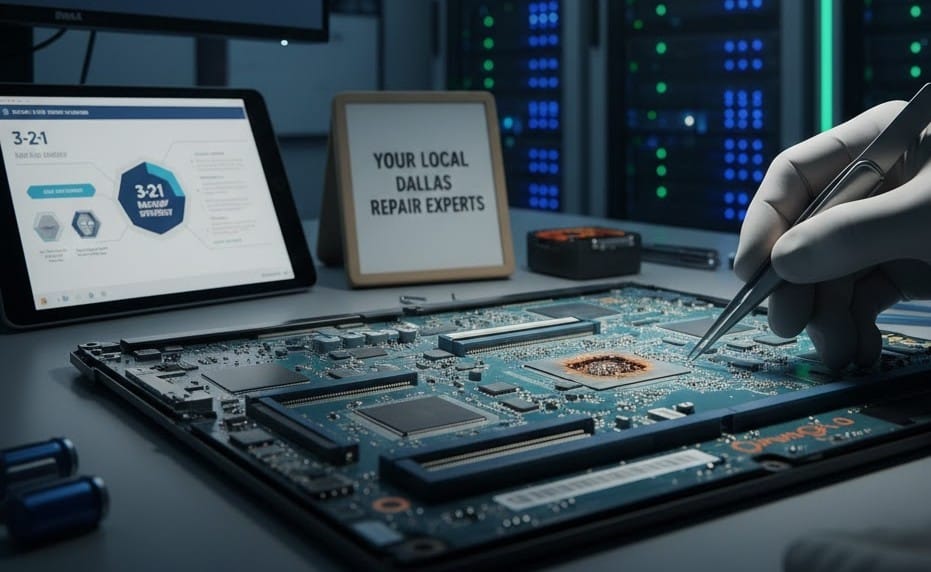
A laptop that refuses to turn on is more than an inconvenience it’s a disruption to your life. At American Edge Technologies, we specialize in laptop repair in Dallas, helping hundreds of residents get their Dell systems back to peak performance.
Common Reasons Your Dell Laptop is “Dead”
- Static Charge Buildup: Sometimes, residual power gets trapped in the hardware. A simple “hard reset” (unplugging everything and holding the power button for 20 seconds) often does the trick.
- Faulty Power Adapter: Dell laptops are picky. If your charger’s light isn’t on, or if the pin is bent, it won’t push enough power to boot.
- CMOS Battery Failure: If your laptop is a few years old, the internal coin-cell battery might be dead, preventing the BIOS from starting.
- Motherboard or RAM Issues: If you hear beeps or see flashing light codes on the side of your Dell, it’s signaling a hardware failure that requires professional tools.
Why Choose American Edge Technologies Over DIY?
Trying to fix a motherboard at home can lead to permanent damage. Our shop provides:
- Accurate Diagnostics: We don’t guess; we use professional voltage meters and diagnostic software.
- Local Fast Turnaround: Most Dallas computer repairs are completed within 1–3 business days.
- Data Protection: We prioritize your files. Even if the laptop is dead, we can often recover your photos and documents.
“I thought I’d lost everything when my Dell stopped charging. The team at American Edge Technologies found it was a simple DC jack issue and saved me hundreds on a new laptop!” Local Dallas Customer
Stop searching for “laptop fix in Dallas” and come see the experts. Visit American Edge Technologies at 2626 Cole Ave or call us today!